


Toulouse-Lautrec
- Regular price
-
€22,00 - Regular price
-
- Sale price
-
€22,00
Couldn't load pickup availability
🏆 The best thing about this book: the selfie + the microphone
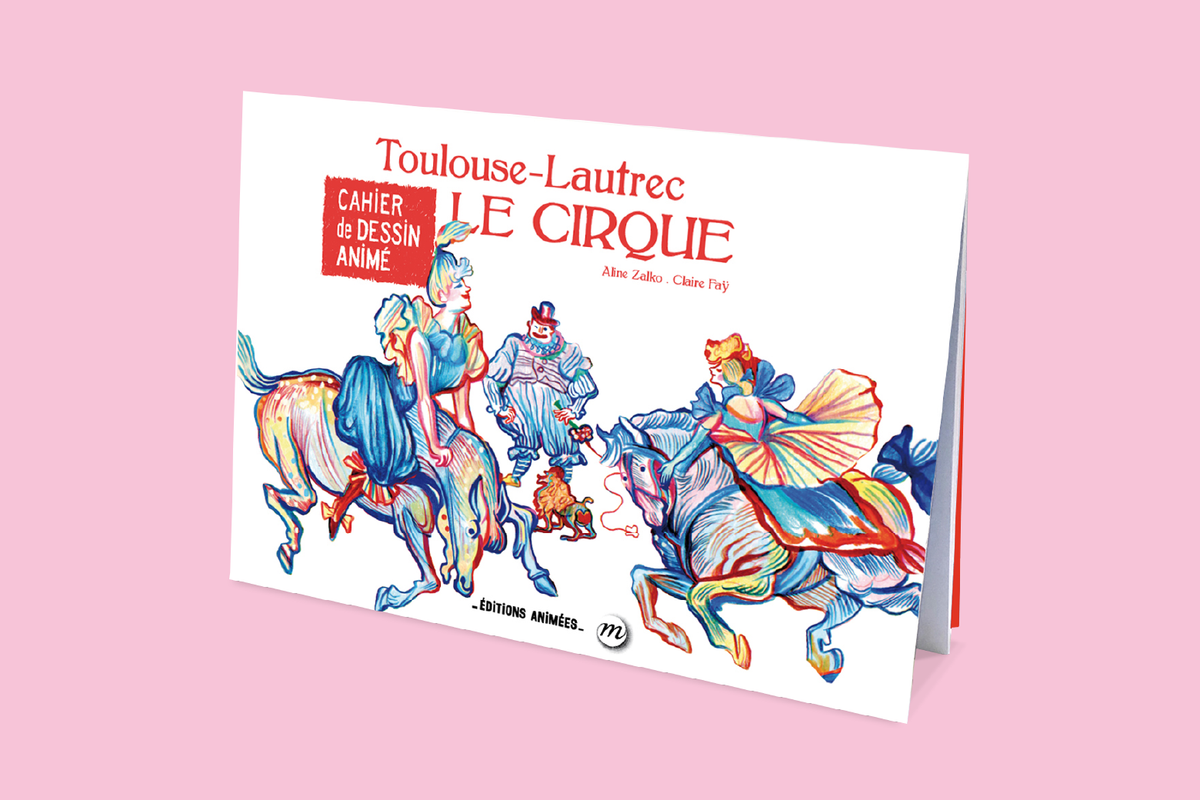
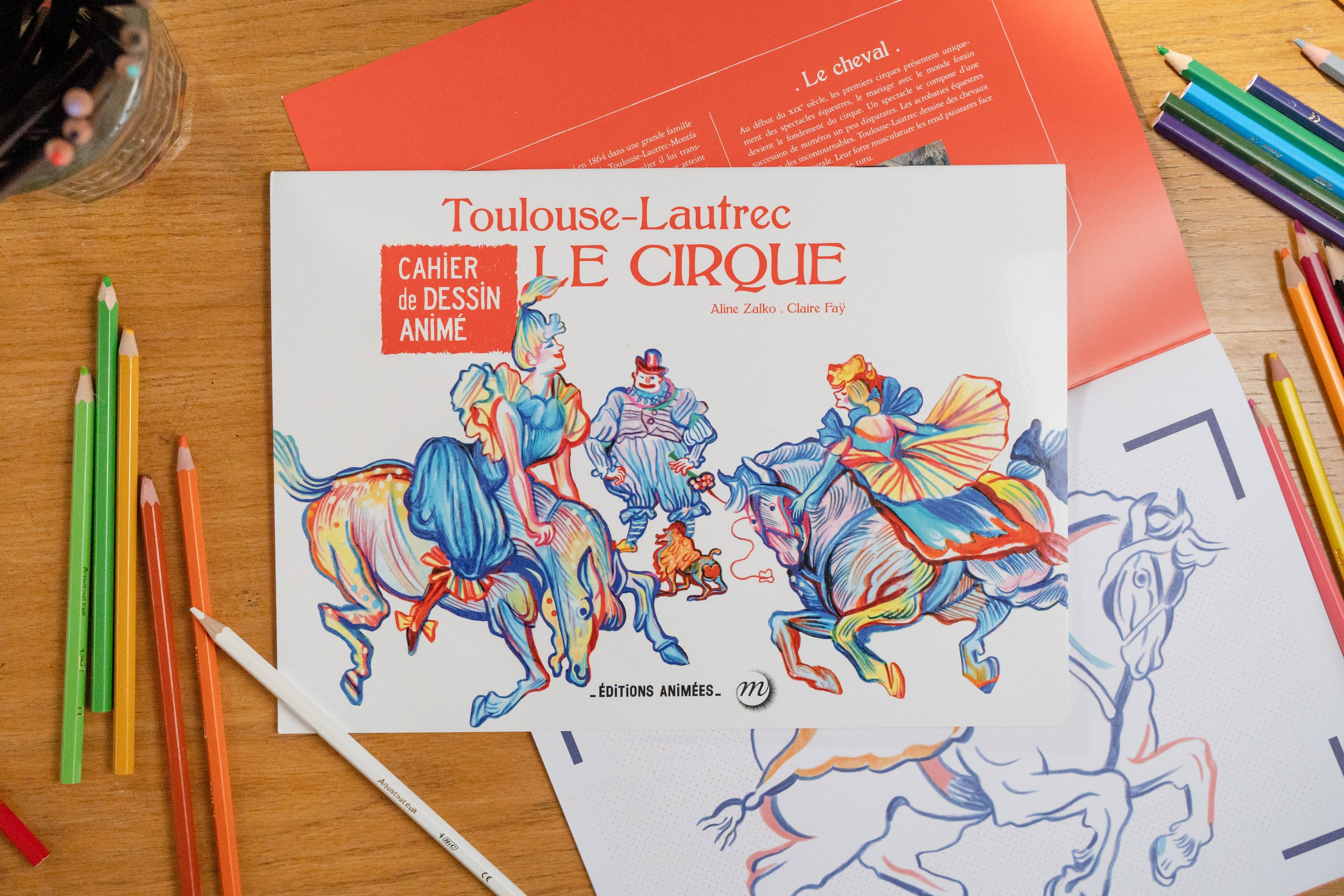
The Animated Drawing Book - Toulouse-Lautrec - The Circus , is a book to read and color that transforms into an animated drawing!
Immerse yourself in Toulouse-Lautrec's circus-themed artwork. Here, under the big top, the artists come to life. Clowns, elephants, acrobats, and aerialists prepare to enter the ring. Toulouse-Lautrec is there; he sees them. He will draw them from memory. Color these fascinating characters yourself and discover a world of vibrant colors.
8 coloring pages to create a 4-minute animated film , with the free BlinkBook app.
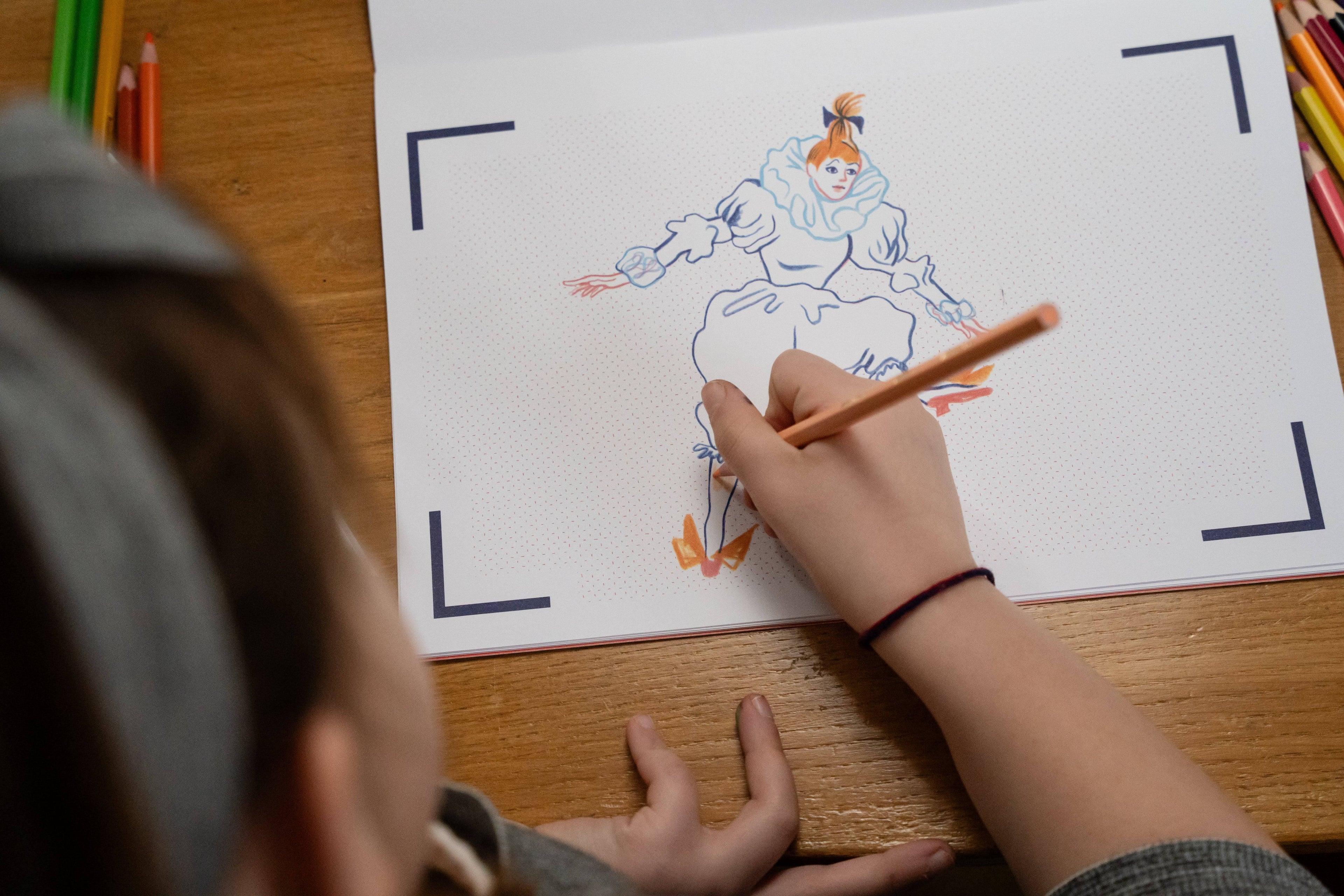
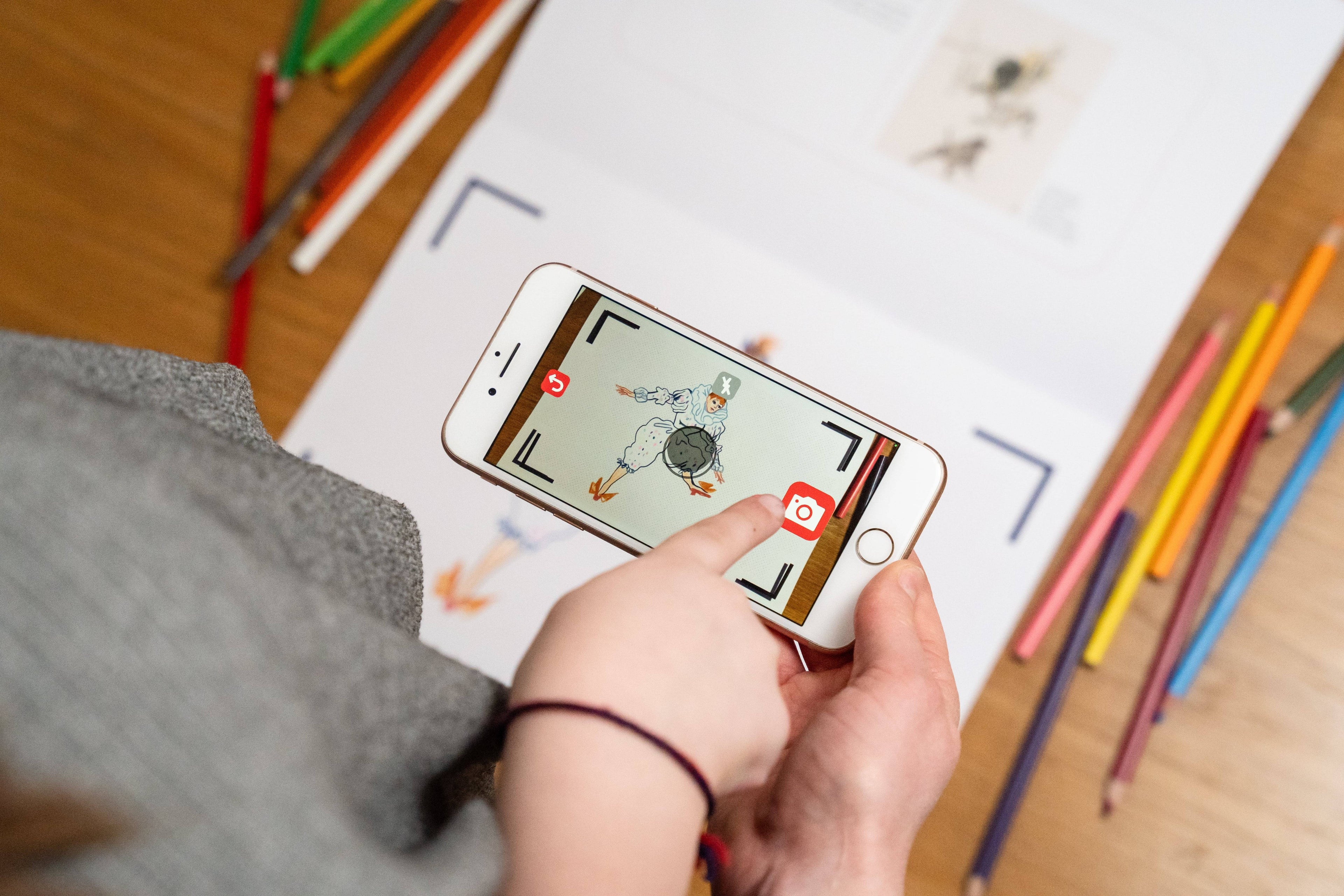
How does it work? 1. Color 2. Take a picture with BlinkBook 3. Magic, it comes to life!
The best part: Record yourself to announce the acrobats' entrance, then take a selfie to become the cartoon clown!
A book for children aged 3 to 10, which combines creative and educational activities, for a moment shared with the family, which is rewarding for the child.
 Free app
iOS & Android
 Ages 3+
 Made in
France
 600,000+
families


How does it work?
-

1. I'm coloring
-

2. I take a picture
-

3. Magic—it comes to life!


They describe it better than we doCliquez pour utiliser cette solution


FREQUENTLY ASKED QUESTIONS
How does a BlinkBook animated coloring book work?
Our notebooks come to life with the free BlinkBook app, available on Android and iOS. Your child colors the drawings, scans them with the app, and the characters instantly come to life on the screen, creating captivating, interactive stories.
From what age do you recommend your animated notebooks?
Our workbooks are suitable for children from 3 years old to around 12 years old. They offer age-appropriate experiences, stimulate creativity and imagination, and develop fine motor skills.
3. Is the BlinkBook app paid?
No, the BlinkBook app is 100% free. There are no hidden costs or in-app purchases. You simply purchase the coloring book, and everything else is free!
Do the notebooks require an internet connection?
You will need an internet connection to download the app and initial content. Once downloaded, your child can scan and play offline at any time.
What to do if the app doesn't recognize a coloring page?
Make sure the drawing is flat, properly lit, and fully visible on the app screen. If the issue persists, contact our customer support via our contact form, and we'll help you quickly.